Artificial Intelligence and the Top 5 Tools to Generate Images with AI
Artificial Intelligence (AI) is no longer just a buzzword—it’s a transformative force reshaping how we create, work, and imagine. One of its most exciting applications is in image generation, where AI turns simple text prompts into stunning visuals, from photorealistic portraits to surreal artwork. Whether you’re a designer, marketer, or just a curious creator, AI-powered image tools are democratizing creativity like never before. In this post, we’ll explore how AI is revolutionizing image generation and dive into the top 5 tools you can use today to bring your ideas to life. Plus, stick around for tips on how to make the most of these tools!
How AI Image Generation Works?
At its core, AI image generation relies on advanced machine learning models, often called generative adversarial networks (GANs) or diffusion models. These systems are trained on massive datasets of images and text, learning to recognize patterns and styles. When you type a prompt—like “a futuristic city at sunset”—the AI translates it into a visual by piecing together what it’s learned. The result? Unique, often jaw-dropping images created in seconds. It’s like having an artist who never sleeps, ready to paint your wildest dreams.
Why Use AI for Image Creation?
Speed: Generate complex visuals in moments, not hours.
Cost: No need for expensive stock photos or design software.
Creativity: Explore ideas that push beyond human limitations.
Accessibility: No artistic skills? No problem—AI’s got you covered.
Now, let’s get to the good stuff: the top 5 AI image generation tools you should try in 2025.
Speed: Generate complex visuals in moments, not hours.
Cost: No need for expensive stock photos or design software.
Creativity: Explore ideas that push beyond human limitations.
Accessibility: No artistic skills? No problem—AI’s got you covered.
Now, let’s get to the good stuff: the top 5 AI image generation tools you should try in 2025.
Top 5 AI Tools to Generate Images
1. Midjourney

What It Is: A powerhouse in AI art, Midjourney creates highly detailed, artistic images via text prompts. It operates through Discord, giving it a unique community-driven vibe.
Why It’s Great: Known for its photorealistic and imaginative outputs, it’s a favorite among professionals and hobbyists alike.
How to Use It: Join the Midjourney Discord, type “/imagine” followed by your prompt (e.g., “a dragon soaring over a neon-lit forest”), and watch the magic happen.
Cost: Starts at $10/month after a limited free trial.
Try It: Midjourney
What It Is: A powerhouse in AI art, Midjourney creates highly detailed, artistic images via text prompts. It operates through Discord, giving it a unique community-driven vibe.
Why It’s Great: Known for its photorealistic and imaginative outputs, it’s a favorite among professionals and hobbyists alike.
How to Use It: Join the Midjourney Discord, type “/imagine” followed by your prompt (e.g., “a dragon soaring over a neon-lit forest”), and watch the magic happen.
Cost: Starts at $10/month after a limited free trial.
Try It: Midjourney
2. DALL·E 3 (via ChatGPT)
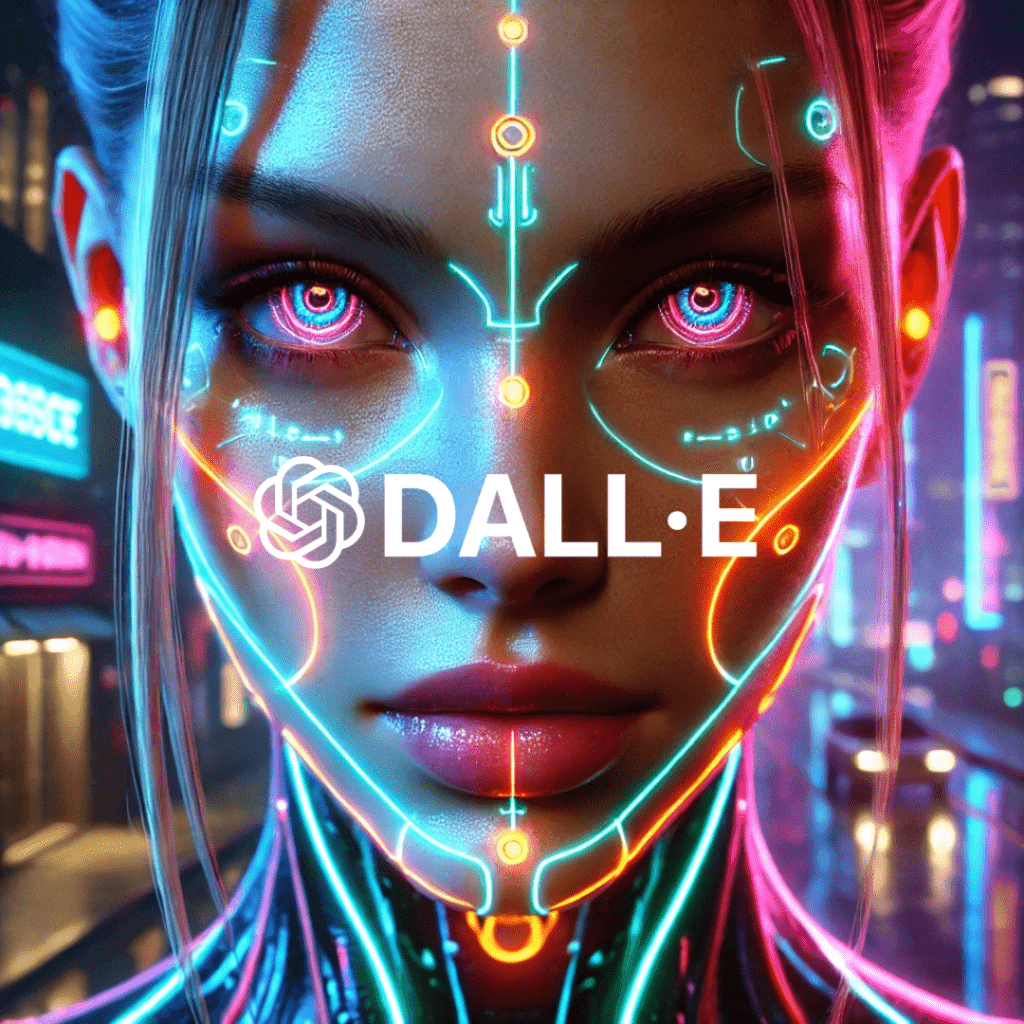
What It Is: Created by OpenAI, DALL·E 3 is a text-to-image model integrated into ChatGPT Plus, making it seamless to generate images during a conversation.
Why It’s Great: It excels at tweaking prompts for better results and offers a polished, user-friendly experience.
How to Use It: Subscribe to ChatGPT Plus, then type a prompt like “a vintage robot sipping coffee in a cozy café.” You’ll get a single, high-quality image per request.
Cost: $20/month via ChatGPT Plus.
Try It: OpenAI
What It Is: Created by OpenAI, DALL·E 3 is a text-to-image model integrated into ChatGPT Plus, making it seamless to generate images during a conversation.
Why It’s Great: It excels at tweaking prompts for better results and offers a polished, user-friendly experience.
How to Use It: Subscribe to ChatGPT Plus, then type a prompt like “a vintage robot sipping coffee in a cozy café.” You’ll get a single, high-quality image per request.
Cost: $20/month via ChatGPT Plus.
Try It: OpenAI
3. Stable Diffusion (via DreamStudio)
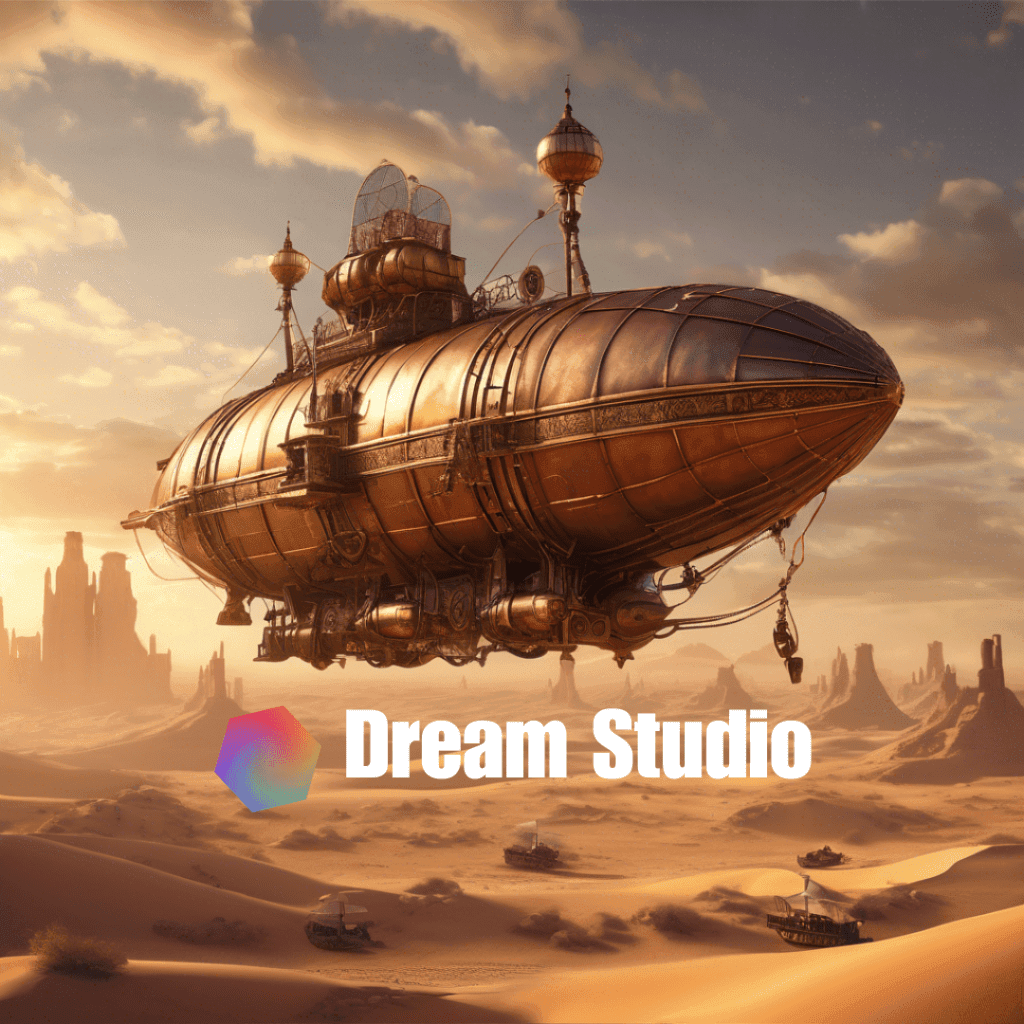
What It Is: An open-source AI model, Stable Diffusion powers platforms like DreamStudio, offering flexibility and customization for image creation.
Why It’s Great: It’s free to start, highly tweakable, and supports a range of styles from abstract to realistic.
How to Use It: Visit DreamStudio, sign up for free credits, and enter a prompt like “a steampunk airship over a desert.” Adjust settings like style or resolution for precision.
Cost: Free tier with credits; additional credits start at $10 for 1,000.
Try It: DreamStudio
What It Is: An open-source AI model, Stable Diffusion powers platforms like DreamStudio, offering flexibility and customization for image creation.
Why It’s Great: It’s free to start, highly tweakable, and supports a range of styles from abstract to realistic.
How to Use It: Visit DreamStudio, sign up for free credits, and enter a prompt like “a steampunk airship over a desert.” Adjust settings like style or resolution for precision.
Cost: Free tier with credits; additional credits start at $10 for 1,000.
Try It: DreamStudio
4. Adobe Firefly
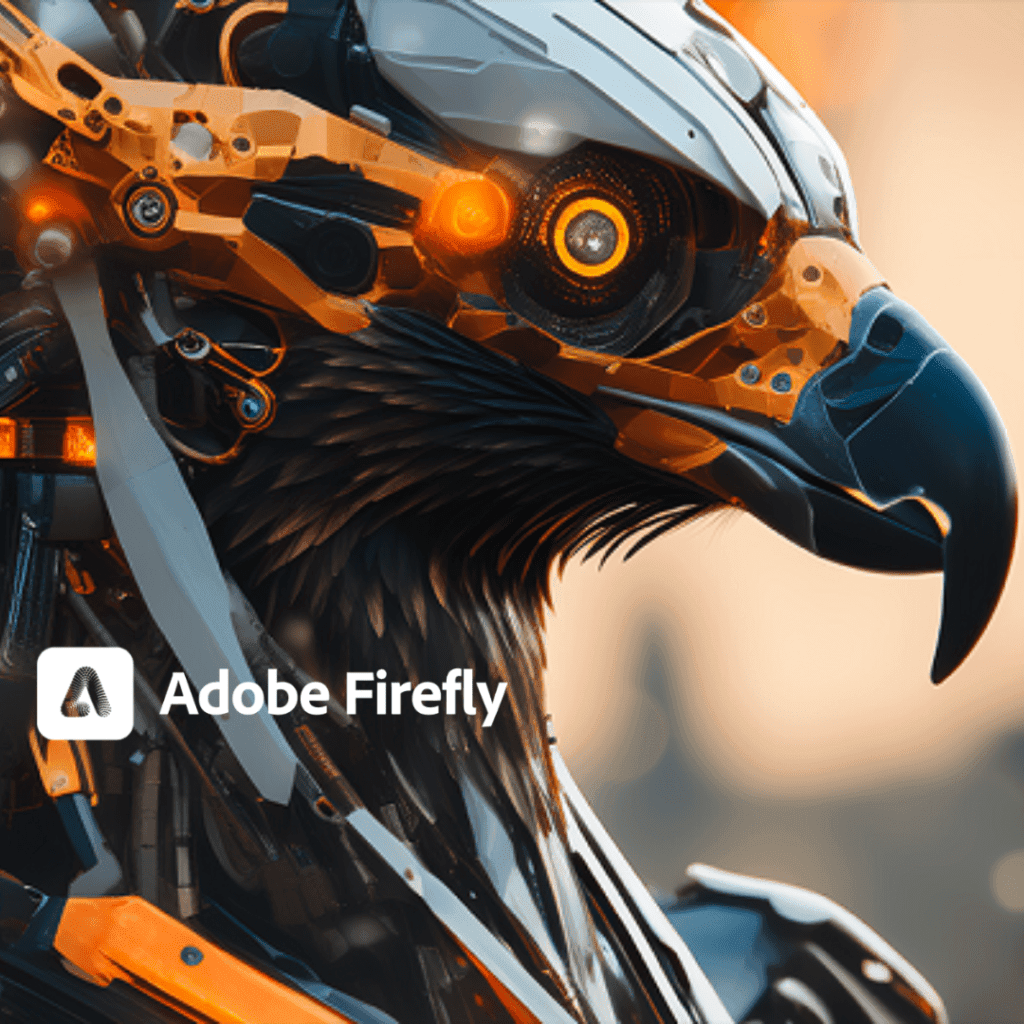
What It Is: Adobe’s entry into AI image generation, integrated into its Creative Cloud suite, designed for professional workflows.
Why It’s Great: Offers commercial safety (trained on licensed images) and seamless editing with tools like Photoshop.
How to Use It: Go to Adobe Firefly, type a prompt like “a serene lake surrounded by cherry blossoms,” and refine it with style options.
Cost: Free with 25 credits/month; paid plans from $4.99/month.
Try It: Adobe Firefly
What It Is: Adobe’s entry into AI image generation, integrated into its Creative Cloud suite, designed for professional workflows.
Why It’s Great: Offers commercial safety (trained on licensed images) and seamless editing with tools like Photoshop.
How to Use It: Go to Adobe Firefly, type a prompt like “a serene lake surrounded by cherry blossoms,” and refine it with style options.
Cost: Free with 25 credits/month; paid plans from $4.99/month.
Try It: Adobe Firefly
5. Ideogram
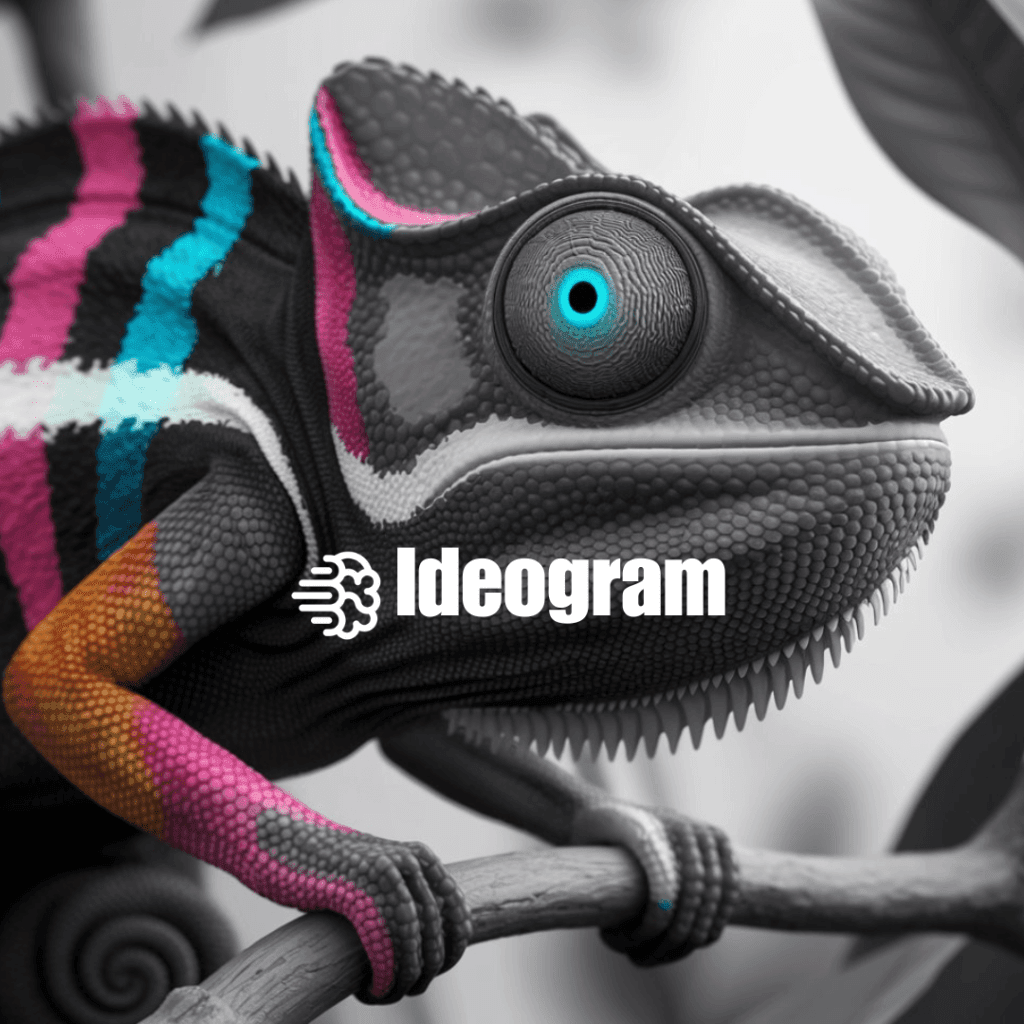
What It Is: A user-friendly tool focused on high-quality images and text integration, perfect for social media or branding.
Why It’s Great: Its “Magic Prompt” feature enhances your ideas, and it’s generous with free credits.
How to Use It: Visit Ideogram, enter “a futuristic billboard with glowing text in a cyberpunk city,” and let it refine your prompt.
Cost: Free with 40 credits/day; premium starts at $7/month.
Try It: Ideogram
What It Is: A user-friendly tool focused on high-quality images and text integration, perfect for social media or branding.
Why It’s Great: Its “Magic Prompt” feature enhances your ideas, and it’s generous with free credits.
How to Use It: Visit Ideogram, enter “a futuristic billboard with glowing text in a cyberpunk city,” and let it refine your prompt.
Cost: Free with 40 credits/day; premium starts at $7/month.
Try It: Ideogram